
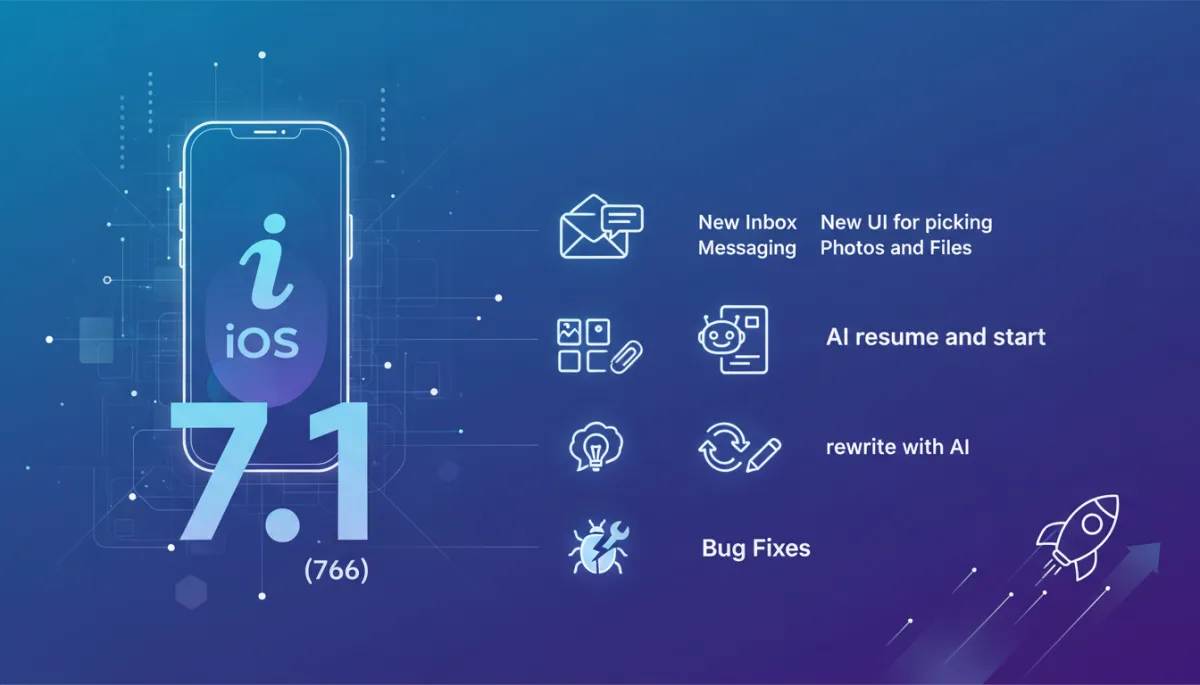
iOS 7.1 Update: Smarter Messaging & AI Tools
Product Updates, iOS Release Notes
iOS Release Notes – Version 7.1 (766)
Discover what’s new in iOS app version 7.1 (766), including a refreshed messaging experience, a smoother way to share photos and files, and powerful new AI tools for coaches—plus important stability improvements behind the scenes.
New Features
New Inbox Detail Messaging
Version 7.1 (766) introduces a revamped inbox detail view designed to make every conversation clearer and easier to follow. Messages are now grouped more intuitively, with improved spacing, clearer timestamps, and visual cues that help you quickly see who said what and when. Whether you are responding to a single client or juggling multiple threads, this new layout keeps your most important details front and center so you can stay organized and respond with confidence.
New UI for Picking Photos and Files
Sharing the right content at the right moment is now even simpler. The new photo and file picker has been redesigned to feel faster, cleaner, and more familiar to iOS users. You can:
Browse recent photos and documents with clearer previews and labels
Switch between albums and folders with fewer taps
Attach multiple items more confidently, thanks to improved selection states
The result is a smoother, more intuitive sharing flow that keeps your focus on the conversation, not the interface.

The redesigned picker makes attaching the right photos and files faster and clearer.
For Coaches: AI Resume and Start
Coaching sessions rarely follow a straight line, and now our AI helps you keep pace. With AI resume and start, coaches can quickly pick up where they left off or launch a new AI-assisted interaction in seconds. The AI can review recent context, recall key points, and help you restart a session without re-reading long message histories. This means less time catching up and more time delivering value to your clients.
For Coaches: AI Response Info
Understanding why an AI suggests a particular response is essential for trust and transparency. The new AI Response Info feature gives coaches more insight into AI-generated replies. At a glance, you can see helpful context about how a response was formed, what it is focusing on, or which parts of the conversation it is drawing from. This added clarity helps you decide when to use, adjust, or expand on AI suggestions so that every message still feels authentically yours.
For Coaches: Rewrite with AI
Sometimes you know exactly what you want to say, but not exactly how to say it. With rewrite with AI, coaches can draft a message and then ask the AI to refine it—whether you want it to be more concise, more encouraging, more professional, or more conversational. You stay in control of the content, while AI helps polish tone, clarity, and structure so that every response feels thoughtful and on-brand.
💡 Tip for coaches: Use AI rewrites as a starting point, then fine-tune wording to match your unique coaching style and voice.
Bug Fixes and Improvements
Alongside these new capabilities, version 7.1 (766) includes a range of bug fixes and under-the-hood enhancements to keep your experience smooth and reliable. While not all of these changes are visible, they collectively help the app feel more responsive and stable. Inspired by the way major iOS updates, such as Apple’s own iOS 7.1 release, focused heavily on performance, polish, and crash reduction (Apple Support), we continue to prioritize reliability so you can focus on your work, not on workarounds.
Resolved several edge cases that could cause messaging screens to behave unexpectedly
Improved overall performance when loading larger conversations and attachments
General stability updates to reduce crashes and enhance day-to-day reliability
Update Now
Version 7.1 (766) brings together a more polished messaging experience, a streamlined way to share content, and powerful AI tools tailored for coaches—all backed by important performance and stability upgrades. Update now to enjoy the latest improvements! 🚀
Screenshots