
Android Release Notes: User Inbox Updates 1.3
Android, Release Notes
User Inbox Updates – Android Release Notes
Version 1.3 (Build 727) – April X, 2026. This Android release focuses on giving coaches more control over AI in Inbox conversations, improving AI‑assisted replies, refreshing the interface, and resolving a series of minor issues for a smoother, more reliable experience.
Overview of This Release
In this update, we are continuing to build on familiar Android patterns for app updates—delivering a mix of new controls, usability improvements, and stability fixes, similar to how many communication apps evolve their features over time (as seen in typical release cycles on the Google Play Store and Android developer updates [Google Play Help], [Android Developers Blog]). Version 1.3 is all about helping coaches feel more confident when using AI in their daily Inbox workflows.
1. Allow Coaches to Enable or Disable the AI Bot in Inbox Conversations
Coaches now have direct control over whether the AI bot participates in Inbox conversations. Instead of AI being always on, you can choose when it makes sense for your coaching style and your clients’ needs.
Within an Inbox conversation, you’ll find a clear control that lets you toggle the AI bot on or off. This mirrors familiar patterns from other Android messaging apps, where AI features like smart replies or suggestions can be enabled or disabled in settings (Gmail Smart Reply controls offer a similar level of choice). The goal is to put you in charge of when automation supports your work and when you prefer to respond entirely on your own.
💡 Pro Tip: Keep AI enabled for routine questions and turn it off for sensitive or highly personal conversations where you want a fully human touch.
2. Improved AI-Assisted Message Replies for Coaches
When the AI bot is enabled, message replies in Inbox conversations are now smarter, faster, and more context-aware. We’ve refined how the AI drafts suggestions, so responses better reflect the tone and intent of your recent conversation history, rather than offering generic answers.
These improvements are designed to save you time on repetitive questions, while still allowing you to personalize every reply. You can quickly accept a suggestion, edit it, or ignore it and write your own response—keeping you firmly in control of the final message that is sent to your clients.
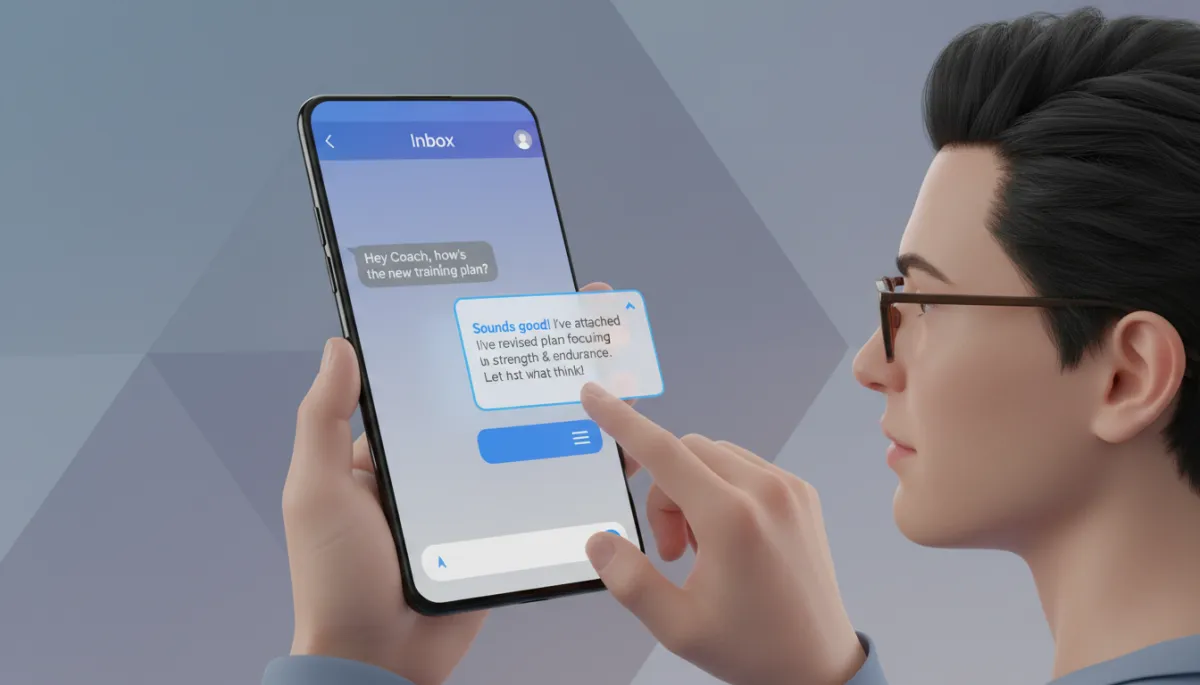
AI suggestions now adapt more closely to each ongoing coaching conversation.
3. Reviewable AI Response Information for Coaches
Transparency is essential when you rely on AI to support your client communication. With this release, coaches can now review key information about AI-generated responses before sending them. This includes clearer labeling of AI suggestions and a more obvious distinction between what the AI drafted and what you have edited yourself.
By making AI involvement visible and understandable, we aim to help coaches maintain trust with their clients. You always have the opportunity to adjust the wording, add nuance, or discard the AI’s suggestion entirely, ensuring that every message still feels authentic and aligned with your coaching approach.
📌 Key Takeaway: AI drafts the message, but you remain the final editor and decision-maker for every client reply.
4. UI Enhancements for a Cleaner, More Focused Inbox
We’ve introduced several user interface refinements across the Inbox experience to make conversations easier to scan and manage. These updates follow familiar Android design conventions, similar to updates often highlighted in app release notes on the Play Store, where small visual changes add up to a more polished experience.
Improved spacing and typography in conversation lists for better readability.
Clearer visual indicators when AI is active in a conversation.
Subtle color and icon tweaks to keep focus on the latest messages and actions.
These changes are intentionally modest but meaningful, helping you spend less time searching for the right conversation and more time engaging with your clients.
5. Other Minor Bug Fixes and Stability Improvements
Alongside the visible improvements, this release includes a series of minor bug fixes and under-the-hood optimizations. While these changes are less noticeable day to day, they contribute to a more stable and reliable app experience, in line with best practices for Android app maintenance (Google Play Console guidance often emphasizes iterative performance and stability updates).
Resolved rare crashes when opening certain older Inbox threads.
Fixed occasional delays when loading long conversation histories.
Improved overall performance to keep scrolling and message sending feeling responsive.
How to Get the Update
Version 1.3 (Build 727) will be rolled out through the Google Play Store. If automatic updates are enabled on your Android device, you’ll receive the new version as it becomes available. Otherwise, you can open the Play Store, navigate to your apps, and manually update to access the latest Inbox improvements.
We’ll continue to refine the AI experience and overall usability of the app in future releases. Your feedback is invaluable, so please share how these new controls and enhancements are working for you and your clients.
Screenshots